Apps on BCPS Devices

Google Add Ons

Synergyze presents the top 10 Google Docs and Google Sheets Add-ons for Education. I have used Doctopus and Flubaroo which I really like. Experiment today with these add-ons. Click on the following link.

Synergyse Add Ons


Educanon- Create Your Own Interactive Videos!

Using EduCannon can help teachers turn what would be passive video content into an active video lesson for students. You can choose a video from You Tube, Teacher Tube, etc. and personalize it by adding questions, lesson information, posting videos, and adding URL's.

Educanon would be a choice tool to use when a teacher is working in a Flipped or Blended Learning environment.  Try it! www.educannon.com

Postagram

Send your photos as postcards.  Here is a great way to stay in touch with family and friends while away. Create your postcard by adding a message and a photo (from your phone, computer, Instagram or Facebook).  The postcards are printed on glossy paper-99¢ for US delivery and $1.99 for outside the US.  The photo is a 3x3 print that can be taken off the postcard and displayed. 
There is also a Postagram App.  http://postagramapp.com/   Check it out!

Are you Searching for an App? Check out this tool.

Have you searched for hours and hours looking for an App to use in your classroom, only to get side tracked by another link that looked interesting.  If you can relate, then you should check out Quixey.  It is a search engine for apps. You can choose from 5 platforms to help narrow your search.  Once you search, you get all the information about the apps, as well as screen shots of the app and the cost.


SOLs are coming! SOLs are coming!

It's time to review! Tired of old boring rehash of old material? Get your class excited about answering multiple choice questions with


at https://getkahoot.com/
Sign up for a free account and then build your own multiple choice quiz or survey. When done, start the quiz. Students sign in using the the code provided. They can use laptops, ipads, ipods or even their cell phones. Then they compete against the class to see how many they can get right. Kahoot automatically shows the scores and rankings of the class. At the end, you can download student scores as a formative assessment. Try it! It's easy....

eduClipper - clip anything. share everything

https://educlipper.net/
eduClipper is a visual bookmarking tool. You can use the eduClipper bookmarklet to add "clips" (bookmarks) to your eduClipper boards. But eduClipper is much more than a visual bookmarking service. You can add PowerPoint, PDF, and image files to your boards. You can also add links to videos to your boards. You can play the videos without leaving your eduClipper board. You can also add Google Drive files to any of your boards.

You can create class boards to share with your students and they can share boards with you. As a teacher you can create classes in your eduClipper account. When you create a class you will be given an access code that your students can use to join your class. Alternatively, you can directly add students to your class boards through your eduClipper account. As the teacher you have complete control over the content that is shared and the comments written on each board.

eduClipper is also available as an app in the iTunes store.

eBooks, audiobooks, and more from Bedford Libraries

http://bplsonline.org/ebranch.html
 
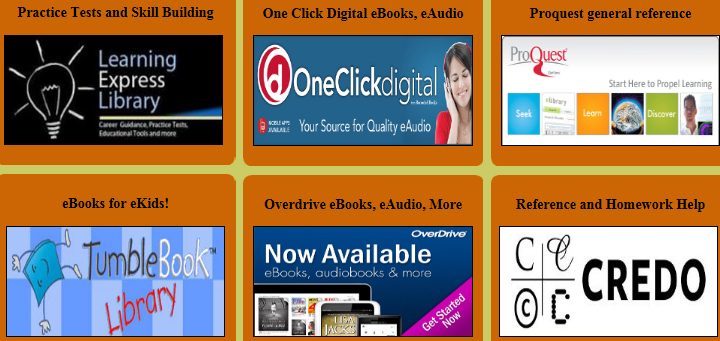
Did you know that the Bedford Library system offers these wonderful technology resources? Click on the image above for these, and other, useful tools.